
Blog & guides
Liquid spilled on your MacBook – do this now

A glass of water, a cup of coffee or a soda – and suddenly there is liquid on the keyboard. What you do in the first few minutes matters a lot. Here is what to do now, and what to avoid.
What does it cost?
You always get a fixed price before we start. See the price for your exact model in the price finder.
Fixed price before we startNo payment online
Short answer
Turn the MacBook off right away, unplug the charger, and do not charge it or switch it on to test it. Wipe off the visible liquid on the outside, and bring it to us as soon as possible. We do a liquid damage diagnostic for DKK 500, where we take it apart and clean out the liquid. After that you get a quote for the repair. We cannot promise that it can be saved – it depends on the damage.
Do this now
1. Turn it off right away
Hold down the power button until the screen goes black. Do not wait for it to turn off by itself.
2. Unplug the charger and all cables
Remove the charger, USB devices and anything else that is plugged in. Power and liquid are a bad combination.
3. Wipe off the liquid on the outside
Use a dry, soft cloth or kitchen paper and wipe off what you can see. Do not press the liquid further into the keyboard.
4. Do not charge it or switch it on
Even if it looks dry, there may be liquid inside. Switching it on to test it can cause a short circuit and make the damage worse.
What not to do
- switch it on or charge it to see if it works,
- use a hair dryer or heat to dry it,
- put it in rice – it does not remove the liquid inside,
- open it yourself.
Liquid can cause damage that only shows up after a few days. That is why it is best to have it checked quickly, even if it seems to work. Read more about water damage.
How much does it cost?
The liquid damage diagnostic is a separate service for liquid damage. It costs the same whatever the result, and afterwards you get a quote for the repair itself.
| Service | Price |
|---|---|
| Liquid damage diagnostic for liquid damage – paid whatever the result | DKK 500 |
| Diagnostic (Mac and PC) for other faults – only if it can’t be repaired or you decline the quote | DKK 625 |
| Repair after the diagnostic depends on the damage | Get a quote |
What happens next?
After the liquid damage diagnostic we know what is damaged, and you get a quote. If the logic board is damaged, we also do logic board repair (micro-soldering) on MacBooks. Mac repairs typically take about a week – we agree on the time with you. You only pay when the repair is done, and you get a 2-year right to complain (reklamationsret) under Danish consumer law.
We delete no data, and no one looks at your data without your permission. If the damage is going to your insurance, read about insurance claim repairs.
How to get help at ITech-Rep
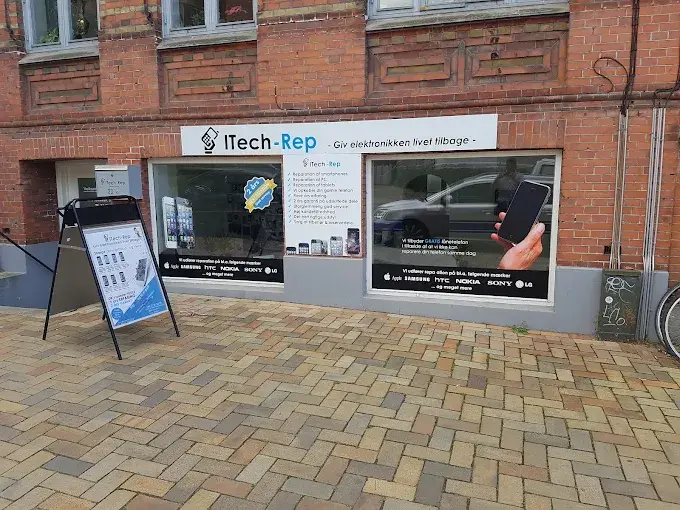
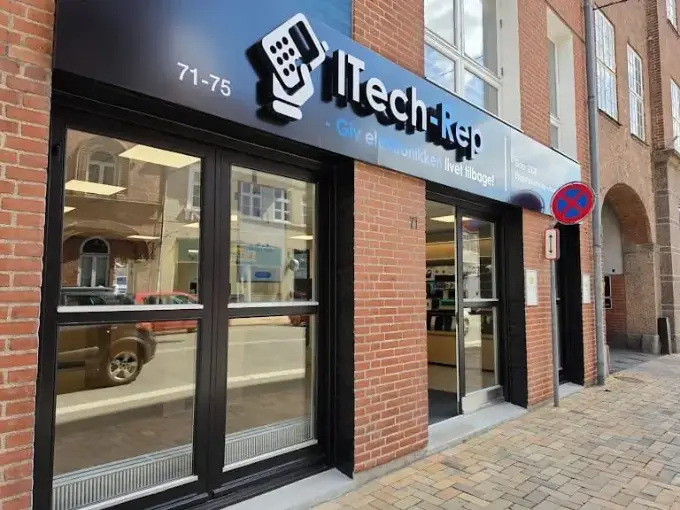
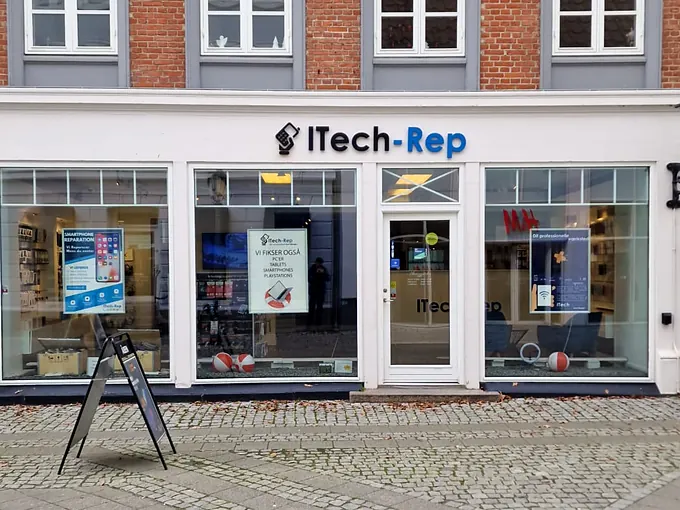
- Walk in without an appointment at Hunderupvej 23 or Nørregade 71 in Odense, or at Nørregade 8 in Nyborg. See shops and opening hours.
- Get a quote via our contact form – include your MacBook model and what happened.
- Call us on +45 52 70 70 28. Your call is always answered by a technician.
Questions about liquid on a MacBook
How much does a liquid damage diagnostic cost?
DKK 500. It is paid whatever the result. We take the MacBook apart and clean out the liquid, and then you get a quote for the repair.
Can you promise that my MacBook can be saved?
No. It depends on how much liquid got in and where it went. The sooner you turn it off and bring it in, the better.
Should I let it dry before I come in?
No. Turn it off, do not charge it, and bring it in as soon as possible. The liquid can be inside even if it looks dry.
What if I decline the quote?
Then you only pay the DKK 500 liquid damage diagnostic, and you take your MacBook home.
How long does the repair take?
Mac repairs typically take about a week. We agree on the time with you once we have seen the damage.
What about my data?
We delete no data, and no one looks at your data without your permission. We also offer data recovery – whether data can be saved depends on the damage.
Spilled something on your MacBook? Call +45 52 70 70 28, get a quote, or find your nearest shop in Odense or Nyborg. All three shops speak English.
Related repairs
Need help?
We repair in our own workshop in Odense and Nyborg
See the price of your repair, or call – you’ll talk to a technician.