

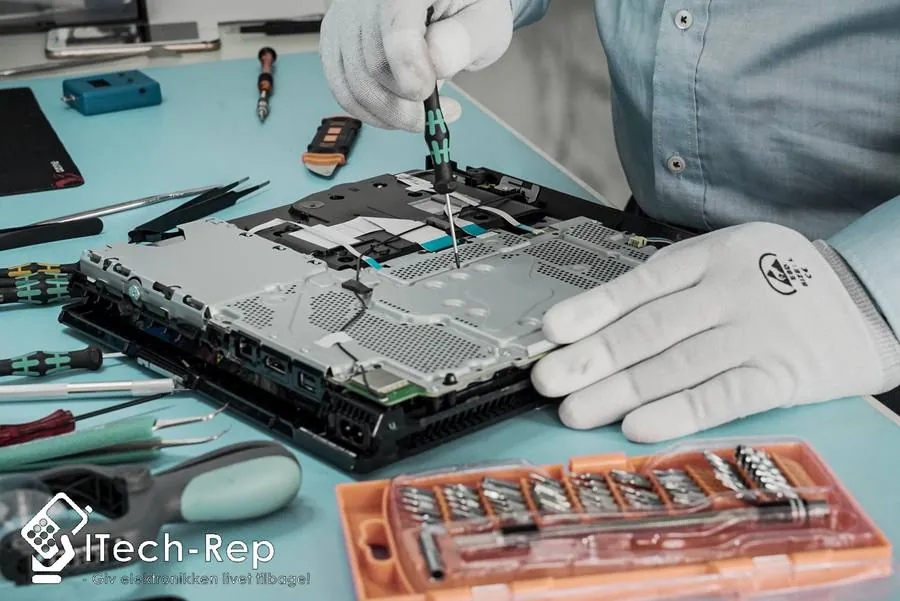
Mac · Odense & Nyborg
MacBook Pro 13″ (M1 2020, M2 2022) repair
Cracked screen, a battery that won’t last, a Touch Bar that doesn’t respond, or a port that won’t charge? We repair the 13-inch MacBook Pro with M1 and M2 chips in our own workshop in Odense and Nyborg – and you get the price before we start.
Price before we start · price match on Funen.
01 / Find your price
What’s wrong with your MacBook Pro 13″ M1/M2?
Choose the repair – then you see the price straight away. If it says “Get a quote”, write or call and you’ll get a fixed price before we start.
1What needs fixing on your MacBook Pro 13" M1/M2 (A2338)?
All prices include VAT. Diagnosis is only charged if the device cannot be repaired or if you decline the quote. A water damage diagnosis (500 DKK) is paid whatever the result. 2-year statutory right to claim under Danish law.
02 / Good to know
A fixed price before we start
Covers manufacturing faults and defects. New damage, user damage and wear and tear are not covered.
If you find a lower price, we’ll match it. See terms
Only payable if the device can’t be repaired, or if you decline the quote.
Describe it and you’ll get a price before we start.
Get a quote03 / How it works
Three steps. No surprises.
Find the price
Choose the repair above. If it isn’t listed, we’ll give you a quote.
Come in – or let us come to you
Choose the option that suits you best.
We repair in our own workshop
The price is agreed before we start. We let you know when it’s ready.
04 / About the repair
MacBook Pro 13″ M1/M2 repair in Odense and Nyborg
The MacBook Pro 13″ with M1 and M2 share the same design: a 13.3-inch Retina display, a Touch Bar above the keyboard, Touch ID and two Thunderbolt/USB 4 ports (USB-C), which it also charges through. It has no MagSafe port.
MacBook Pro (13-inch, M1, 2020) – MacBookPro17,1
The first MacBook Pro with Apple’s own chip.
MacBook Pro (13-inch, M2, 2022) – Mac14,7
Same design, but with the M2 chip.
If you have a MacBook Pro 13″ with an Intel chip and four or two Thunderbolt 3 ports, see the Intel models (2015–2020). You’ll find the newer models without a Touch Bar under MacBook Pro 14″.
For a screen replacement, you choose the quality yourself if there are several options. We recommend OEM quality: high quality close to the original, but not necessarily an original manufacturer part. An original manufacturer screen has to be ordered in – contact us for price and delivery time. You get the price before we start, and under Danish law you have a 2-year statutory right to claim.
Drop by one of our shops at Hunderupvej 23 or Nørregade 71 in Odense or Nørregade 8 in Nyborg, or book a time online. If you can’t come in, our mobile workshop can come to you, or you can send your MacBook to us with Ship & Repair.
Questions about MacBook Pro 13″ M1/M2 repair
The screen on my MacBook Pro 13″ M1/M2 is cracked – how much does it cost?
It depends on the damage and the screen quality you choose. We check your MacBook and give you a fixed price before we start. Write to us or call us on +45 52 70 70 28. Read more about screen replacement.
The Touch Bar on my MacBook Pro 13″ doesn’t work – can it be repaired?
The fault can be caused by software or by damage after a drop or liquid. First try restarting. If that doesn’t help, come in for a diagnostic check – we find the fault and give you the price before we start.
When should the battery in my MacBook Pro 13″ M1/M2 be replaced?
Go to System Settings › Battery and check the battery health. Typical signs are that it drains quickly, switches itself off or gets hot. If the bottom case bulges, or the lid doesn’t close fully, the battery may be swollen – stop using it and have it checked. Read more about battery replacement.
I’ve spilled something on my MacBook Pro 13″ M1/M2 – what should I do?
Switch it off immediately, unplug the power, and don’t switch it on again to test it. Come in as soon as possible for a diagnostic check, and we’ll find the damage and give you the price before we start.
How do I know which MacBook I have?
Click the Apple menu in the top-left corner and choose About This Mac. If it says MacBook Pro (13-inch, M1, 2020) or MacBook Pro (13-inch, M2, 2022), you have one of these models. If it only shows a year without M1/M2, it’s an Intel model.
Shops
3 shops on Funen
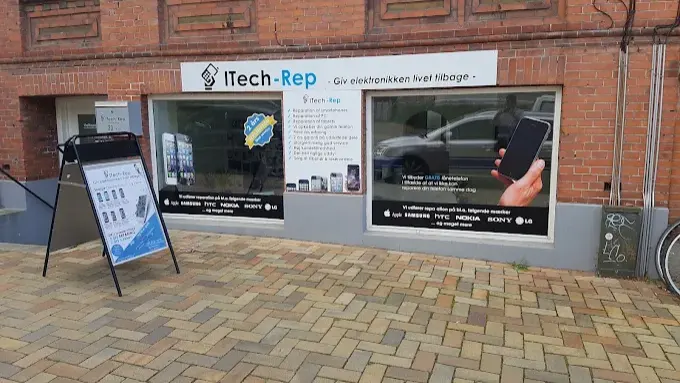
Odense
Hunderupvej 23
5000 Odense C
Entrance two steps down · 1 hour free parking along Hunderupvej (use a parking disc)
4.5 · 66 Google reviews
Open: Mon–Thu 10:00–17:30 · Fri closed · Sat 11:00–16:00
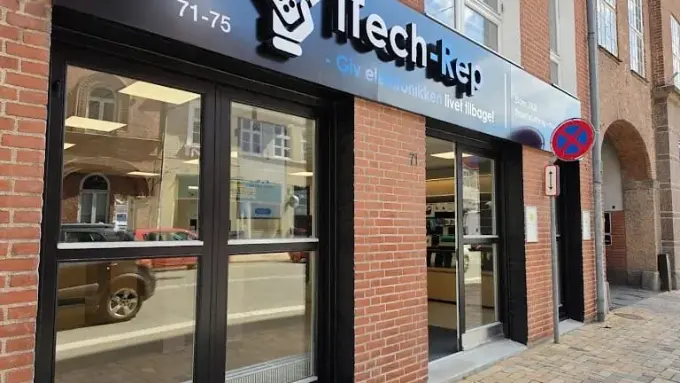
Odense
Nørregade 71
5000 Odense C
Up to 4 hours free parking in the courtyard – register your number plate in the shop
5.0 · 18 Google reviews
Open: Mon–Fri 10:00–17:30 · Sat 11:00–16:00

Nyborg
Nørregade 8
5800 Nyborg C
Free customer parking in the courtyard diagonally opposite the shop
4.8 · 36 Google reviews
Open: Mon–Thu 10:00–17:30 · Fri 10:00–18:00 · Sat 10:00–14:00


