
Blog & guides
iPhone not charging? How to find the fault – and what it costs
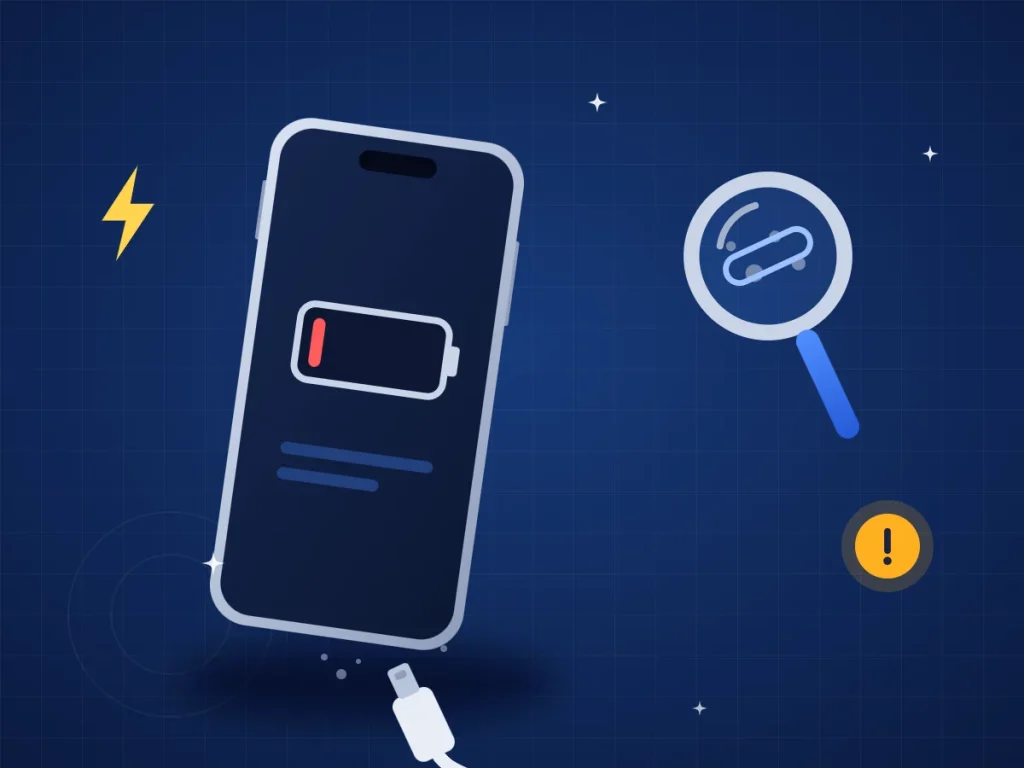
You plug in the charger, but your iPhone won’t charge – or only when the cable is held at a certain angle? Often it isn’t the phone itself. Here is what you can check first, and the signs that the charging port or the battery needs replacing.
What does it cost?
You always get a fixed price before we start. See the price for your exact model in the price finder.
Fixed price before we startNo payment online
Quick answer
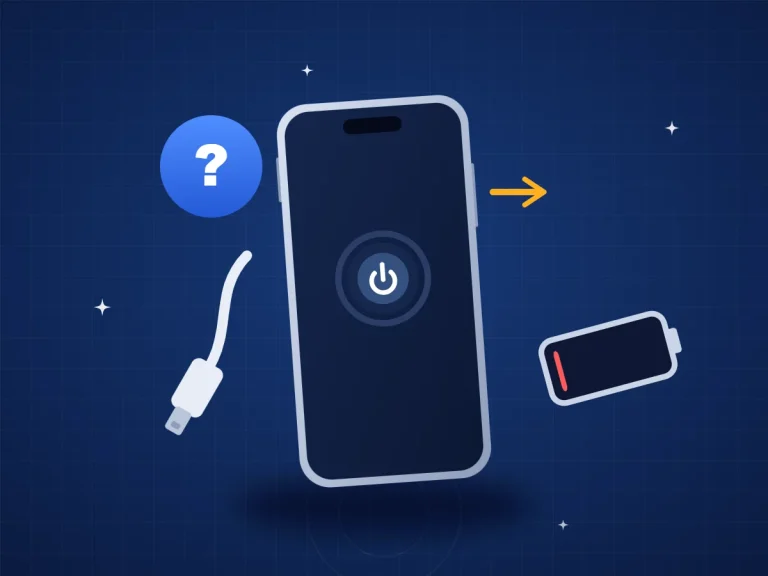
The most common causes are a faulty cable or charger, dirt and lint in the charging port, a worn battery or a broken charging port. First try another cable and charger. If that doesn’t help, we can replace the charging port – on an iPhone 13, for example, it costs DKK 999. You always get the price before we start.
6 things you can check yourself
1. Try another cable and charger
Cables often break inside the wire without you being able to see it. Try a cable and charger you know work, and another socket. iPhone 15 and newer use USB-C – older models use Lightning.
2. Look into the charging port
Shine a torch into the port. Lint from your pocket can collect at the bottom so the cable doesn’t go all the way in. Never put metal, needles or water into the port – it can damage the contacts. Come by instead, and we’ll take a look.
3. Restart your iPhone
A software glitch can stop charging. Restart the phone and try again.
4. Update iOS
Go to Settings → General → Software Update and install any update that is waiting.
5. Check whether it stops at 80%
If charging stops at 80%, it is often a feature, not a fault. Under Settings → Battery, your iPhone can hold back charging to protect the battery.
6. Has it been exposed to liquid?
If your iPhone shows a liquid detected alert, unplug the cable and let the phone dry. Don’t charge it until the alert has gone. If the phone has been in water, turn it off and bring it in. Read more about water damage.
When should your iPhone go to the workshop?
Get it checked if:
- it still won’t charge with a cable and charger you know work,
- the cable is loose or only charges at a certain angle,
- the battery drains very fast, or the phone switches off at around 20–30%,
- the phone gets very hot while charging,
- it has been exposed to liquid or dropped.
If it charges but runs out quickly, it is often the battery. Read how much an iPhone battery replacement costs.
What does it cost?
The prices below are from our price list and include VAT. You always get the price before we start. You’ll find the price for your exact model (for example Pro or Pro Max) under iPhone repair or on our charging port repair page.
| Service | Price |
|---|---|
| Charging port replacement iPhone 11 | DKK 799 |
| Charging port replacement iPhone 12 | DKK 899 |
| Charging port replacement iPhone 13, 14, 15, 16 and 17 | DKK 999 |
| Battery replacement iPhone 13 | DKK 999 |
| Diagnostic only if the phone can’t be repaired or you decline the quote | DKK 325 |
| Liquid damage diagnostic paid regardless of outcome | DKK 500 |
How to get help at ITech-Rep
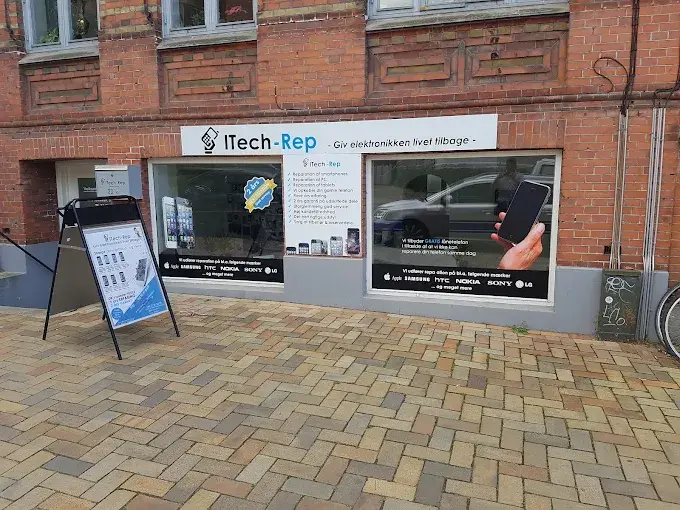
- Walk in without an appointment at Hunderupvej 23 or Nørregade 71 in Odense, or at Nørregade 8 in Nyborg. See shops and opening hours.
- Book a time on our booking page.
- Call +45 52 70 70 28 if you’re not sure.
- Live far away? Send the phone with Ship & Repair.
Questions about an iPhone that won’t charge
How much does it cost to replace the charging port on an iPhone?
It depends on the model. On an iPhone 11 it costs DKK 799, on an iPhone 12 DKK 899, and on an iPhone 13, 14, 15, 16 and 17 DKK 999. You’ll find the price for your model under iPhone repair. You always get the price before we start.
How long does a charging port replacement take?
Most repairs take about 1 hour. If a part has to be ordered, we agree the time with you.
Will I lose my data when the charging port is replaced?
Replacing the charging port doesn’t normally delete your data. Still, make a backup in iCloud or on your computer before you hand in the phone. We never look at your data without your permission.
Can I clean the charging port myself?
We recommend that you don’t put anything made of metal into the port. Look inside with a torch, and come by if there is lint or dirt – we’ll take a look.
What if my iPhone can’t be repaired?
Then you only pay for the diagnostic (DKK 325) – and only if the phone can’t be repaired or you decline the quote.
Is there a right to claim on the repair?
Yes. You have a 2-year statutory right to claim under Danish law for manufacturing faults and defects in the repairs we carry out.
iPhone still not charging? Book a time, visit one of our shops in Odense and Nyborg, or call +45 52 70 70 28.
Related repairs
Need help?
We repair in our own workshop in Odense and Nyborg
See the price of your repair, or call – you’ll talk to a technician.