Blog & guides
Moisture detected on your Samsung? How to get it charging again
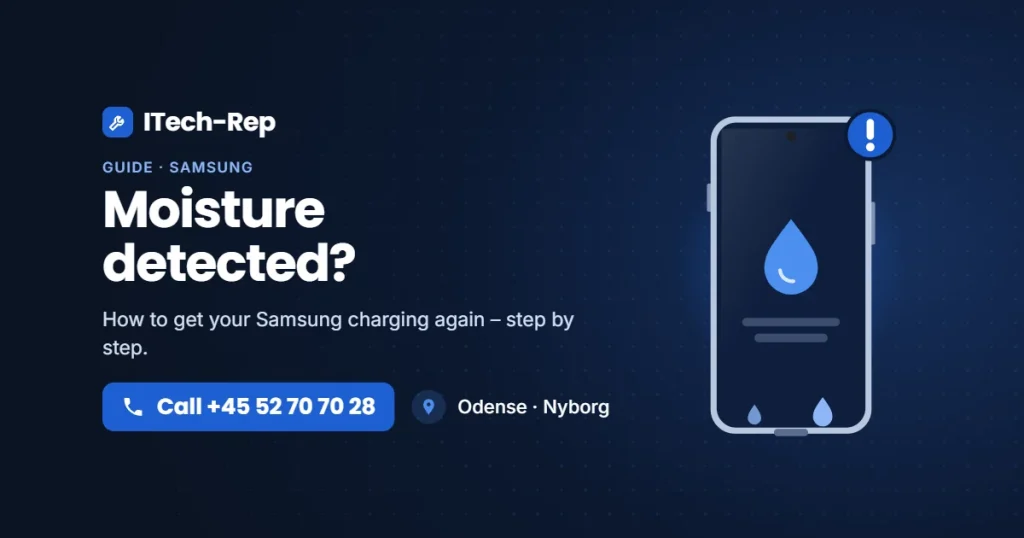
Your Samsung shows a message saying moisture has been detected in the charging port, and charging has stopped. This is a built-in safety feature – and you can often fix it yourself. Here is what the message means and what to do.
What does it cost?
You always get a fixed price before we start. See the price for your exact model in the price finder.
Fixed price before we startNo payment online
What does “Moisture detected” mean?
The phone checks for moisture or liquid in the USB-C port. If it finds any, it stops cable charging to prevent short circuits and corrosion. The message usually appears after rain, a bath or a drop in the sink – but it can also appear if the port is dirty or corroded, even if the phone has not been wet.
Do this first
1. Unplug the cable
Don’t try to force charging. Water and power in the port can cause corrosion, which makes the damage worse.
2. Let the port dry
Wipe the outside of the phone with a dry, lint-free cloth. Hold it with the port facing down and shake it gently. Then leave it somewhere dry at room temperature for a few hours.
3. No heat, no rice, no metal
A hair dryer or radiator can damage the battery and screen. Rice does not dry the port, and dust can get stuck in it. Never put anything metal into the port.
4. Check the port for lint and dirt
Shine a torch into the port. If you see lint, gently remove it with a dry, soft toothbrush or a wooden toothpick.
5. Restart and try another cable
Restart the phone once the port is dry. Then try another cable and charger that you know work. Sometimes the cable is the problem.
6. Charge wirelessly in the meantime
If your Samsung supports wireless charging, you can use a wireless charger while the port dries.
Does the message keep coming back?
- Hasn’t the phone been wet? Then it is often dirt, corrosion or a worn charging port. Read about charging port repair.
- Has it been in water? Switch it off, don’t charge it, and bring it in as soon as possible. Read phone got wet? and about water damage repair.
Price and time
- New Samsung charging port: the price depends on the model, so you get a quote. If the part has to be ordered in, it usually arrives within 1–2 working days. You only pay in advance if the part has to be ordered in.
- Fault diagnosis – DKK 325: if we need to find the fault. You only pay it if the phone cannot be repaired, or if you decline the quote. See diagnostics.
- Water damage diagnosis – DKK 500: if the phone has been in water. It is fully taken apart and cleaned, and the price is the same whatever the result.
How to get help at ITech-Rep
- Walk in, no appointment needed – Hunderupvej 23 and Nørregade 71 in Odense, or Nørregade 8 in Nyborg. See shops and opening hours.
- Call +45 52 70 70 28 if you are unsure.
- Live further away? Send your phone with Ship & Repair – shipping is free both ways.
Questions about “Moisture detected”
Can I just ignore the message?
No. The message is there to protect the phone. Charging with moisture in the port can cause corrosion, turning a small fault into a bigger repair.
Can I charge wirelessly when it says moisture detected?
Yes, if your Samsung supports wireless charging. You can use a wireless charger while the port dries.
How long until the message goes away?
Once the port is completely dry, the message usually disappears by itself. If it is still there the next day and you have tried another cable, get the port checked.
My phone hasn’t been wet – why does it say moisture?
Dirt, lint or corrosion in the port can make the phone think there is moisture. The cable or the charging port itself may also be worn.
How much is a new Samsung charging port?
The price depends on the model, so you get a quote. If the part has to be ordered in, it usually arrives within 1–2 working days. Find the price for your model.
Still seeing “Moisture detected”? Find the price for your model, visit one of our shops in Odense and Nyborg, or call +45 52 70 70 28.
Related repairs
Need help?
We repair in our own workshop in Odense and Nyborg
See the price of your repair, or call – you’ll talk to a technician.