Blog & guides
iPad charging slowly – causes and fixes
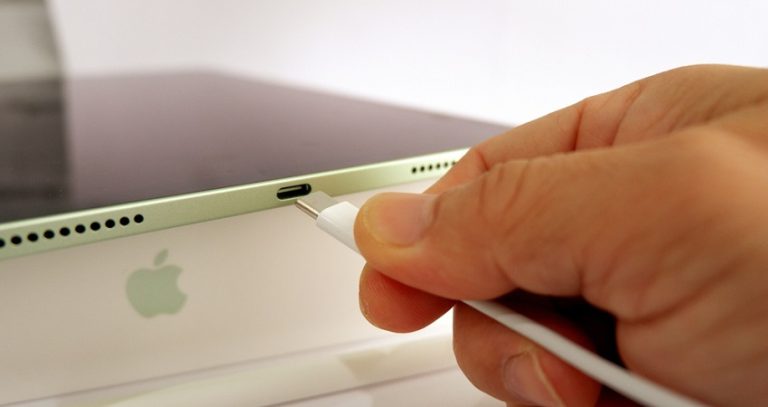
An iPad usually charges slowly because the charger is too weak, the cable is worn, there’s dirt in the charging port, or the iPad is being used heavily while it charges. iPads have big batteries and need a powerful charger. A small phone charger can make charging very slow.
What does it cost?
You always get a fixed price before we start. See the price for your exact model in the price finder.
Fixed price before we startNo payment online
This guide is about iPads that do charge – just too slowly. If your iPad won’t charge at all, read why won’t my iPad charge? instead.
Why is your iPad charging slowly?
The charger is too weak
A small phone charger is rarely enough for an iPad. Use the charger that came with the iPad, or a USB-C charger with enough power from a well-known brand.
The cable is worn
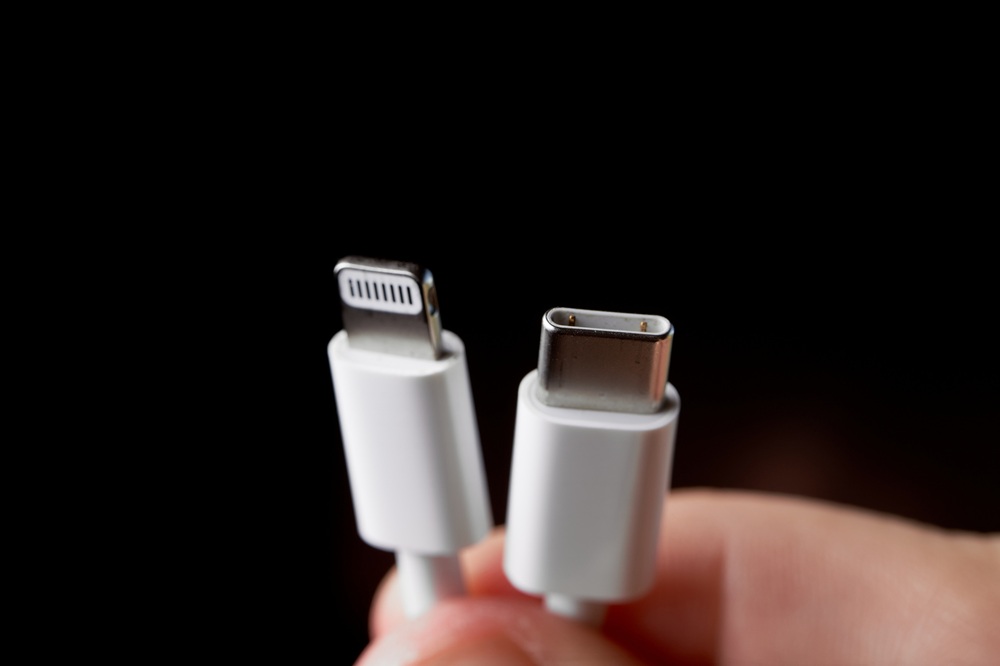
A damaged cable or one with loose connections can deliver less charging current. Try a different, certified cable.
Dirt in the charging port
Lint and dust can build up in the port, so the cable doesn’t go all the way in. Look into the port with a torch. Never clean it with metal objects.
The iPad is in use while it charges
Games, video and high brightness use a lot of power. Charging then slows down, or the percentage stands still.
Heat
If the iPad gets hot, it slows charging down by itself to protect the battery. Read more in why does a tablet get hot when charging?
A worn battery or a faulty port
An older battery can both charge more slowly and drain faster. A loose or worn charging port can also cause a poor connection.
How to get your iPad charging normally again
- Use a powerful charger and a cable you know works.
- Plug the charger straight into the wall socket – not into a computer or a USB hub.
- Check the charging port for lint.
- Close heavy apps, or let the iPad rest while it charges.
- Restart the iPad and update iPadOS.
When should your iPad be repaired?
If the iPad still charges slowly with a good charger and a new cable, or the cable has to be held at a certain angle, the fault is most likely in the charging port or the battery. Then a technician should take a look at it.
Frequently asked questions
How long does it take to charge an iPad?
It depends on the model, the battery and the charger. Large iPads take longer than smaller models. With a weak charger it can take many hours.
Can I use my iPhone charger for my iPad?
It often works, but a small charger can make charging very slow. Ideally, use a charger with a higher output.
Is it dangerous to use the iPad while it charges?
No, but charging is slower and the iPad can get hot. Avoid leaving it under a duvet or in direct sunlight.
How much does it cost to replace the charging port or battery on an iPad?
It depends on the model. See the price on our prices page. You get the price before we start.
ITech-Rep checks charging ports and batteries on iPads in our shops in Odense and Nyborg. Read about iPad repair and charging port repair, or book a time online.
Related repairs
Need help?
We repair in our own workshop in Odense and Nyborg
See the price of your repair, or call – you’ll talk to a technician.