Blog & guides
Common iPad faults

The most common faults on an iPad are a cracked screen or glass, a worn battery, charging problems, a screen that doesn’t respond to touch, and software that freezes or restarts. Some faults you can fix yourself with a restart or an update. Others need a technician to replace a part.
What does it cost?
You always get a fixed price before we start. See the price for your exact model in the price finder.
Fixed price before we startNo payment online
Below we go through the typical iPad faults, what causes them, what you can try yourself, and when you should get your iPad repaired.
The most common iPad faults
Cracked screen or glass
Cracks in the glass are the classic iPad damage, usually after a drop. If the glass is cracked, or the screen responds poorly, the screen or the glass normally has to be replaced. Read more about screen replacement.
The battery drains quickly
If your iPad loses power quickly, or turns off suddenly, the battery is often worn. That’s normal after a few years of use. See battery replacement.
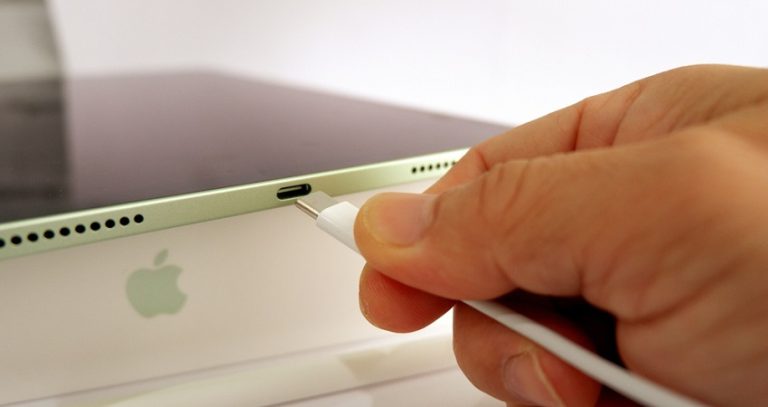
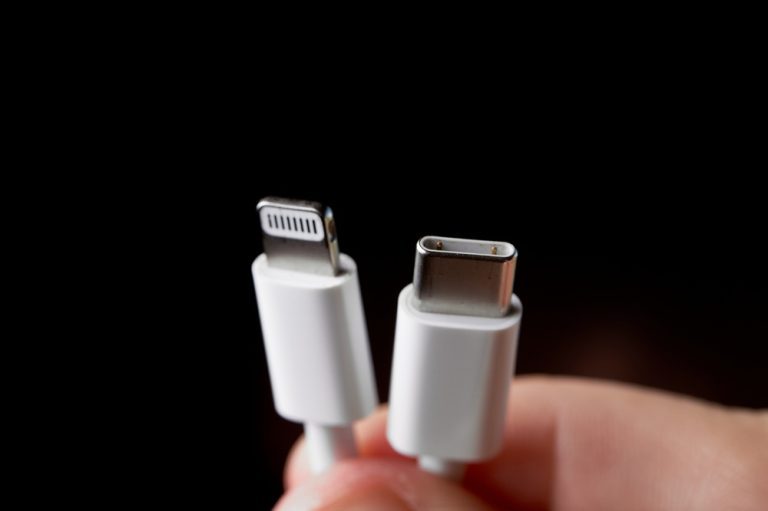
The iPad won’t charge or charges slowly
It can be caused by the cable, the charger, dirt in the charging port or a faulty port. Read why won’t my iPad charge? and iPad charging slowly.
The screen doesn’t respond to touch
It can be caused by a software fault, a poor screen protector or damage to the screen. See why isn’t my iPad screen responding?
The iPad freezes or restarts
Often software, full storage or a worn battery. Read iPad keeps restarting.
Water damage
Liquid can cause faults straight away or only later. Read how does water damage happen on an iPad?
What can you do yourself about faults on your iPad?
- Restart the iPad: It fixes many small software glitches.
- Update iPadOS: Settings > General > Software Update. If that’s playing up, read why won’t my iPad update?
- Free up storage: Delete apps and files you don’t use.
- Try a different cable and a different charger if it charges poorly.
- Take off the case and screen protector if the screen responds strangely.
Always make a backup via iCloud or your computer before you try bigger things like a restore.
If the screen says “iPad Unavailable“, see our guide to unlocking it again.
When should your iPad be repaired?
If the glass is cracked, the screen or the back is bulging, the iPad has been in water, or the fault comes back after a restart and an update, a technician should take a look at it. A swollen battery is a safety risk – stop using and charging the iPad, and get it checked.
Frequently asked questions
What’s the most common fault on an iPad?
A cracked screen or cracked glass after a drop. After that come worn batteries and charging problems.
Is it worth repairing an old iPad?
It depends on the model and the fault. We give you the price before we start, so you can decide whether it makes sense for you.
Will I lose my data with an iPad repair?
With most repairs, such as a screen or battery replacement, your data isn’t deleted. Still, always make a backup first, just to be safe.
How much does an iPad repair cost?
The price depends on the model and the fault. See prices for your iPad on our prices page.
ITech-Rep repairs iPads in our shops in Odense and Nyborg. Read more about iPad repair, see prices or book a time online.
Related repairs
Need help?
We repair in our own workshop in Odense and Nyborg
See the price of your repair, or call – you’ll talk to a technician.