Blog & guides
Why won’t your iPad update?

An iPad usually won’t update because the model is too old for the latest iPadOS, because there isn’t enough storage, or because the Wi-Fi connection or the battery is causing trouble. First check whether your model supports the new version, free up space and put the iPad on charge. If that doesn’t help, you can update via a computer – or have it checked for a hardware fault.
What does it cost?
You always get a fixed price before we start. See the price for your exact model in the price finder.
Fixed price before we startNo payment online
Below you can see the common causes, and what you can try yourself.
Why won’t my iPad update?
The model is no longer supported
Apple stops releasing new iPadOS versions for older models. You can see your model and version under Settings > General > About. If the iPad is too old, it won’t get the latest version any more – that’s not a fault.
There isn’t enough storage
An update needs free space. Look under Settings > General > iPad Storage, and delete apps, videos or files you don’t use.
Unstable Wi-Fi or low battery
The update downloads over Wi-Fi and needs power. If the connection is poor or the battery is low, it can get stuck. Put the iPad on charge and try a stable network.
A fault in the update file itself
If it says “Unable to Verify Update” or similar, the downloaded file may be damaged. Delete the update under iPad Storage, and download it again.
Hardware fault
A worn battery, a storage fault or a faulty Wi-Fi receiver can also stop the update. That needs diagnostics by a technician.
How to get your iPad to update
- Restart the iPad and try again.
- Free up space – delete large apps or files.
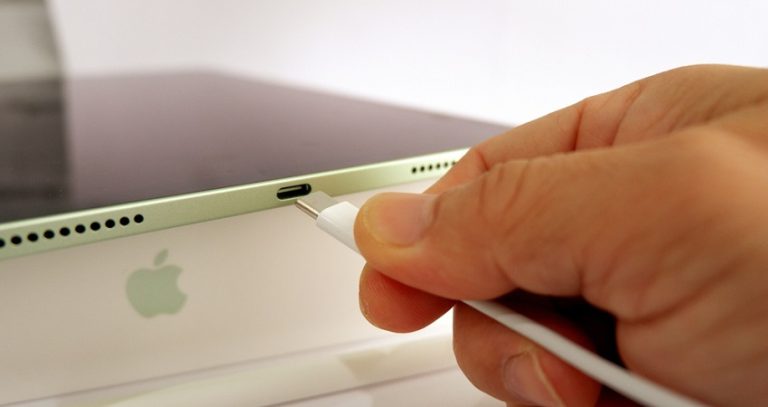
- Put it on charge and use a stable Wi-Fi network.
- Delete and download the update again if it shows an error.
- Update via a computer: Connect the iPad to a Mac (Finder) or a Windows PC (iTunes/Apple Devices), and choose “Check for Update”.
Always make a backup in iCloud or on your computer before you update.
When the iPad needs checking by a technician
If the update still causes trouble even though the model is supported, there may be a hardware fault. At ITech-Rep we do diagnostics on iPads in our shops in Odense and Nyborg. A repair is often far cheaper than a new iPad – and better for the environment. You’ll get the price before we start.
If your iPad restarts by itself during the update, also read iPad keeps restarting and common iPad faults.
Frequently asked questions
Why can’t my iPad update to the latest iPadOS?
Most often because the model is too old and no longer gets new versions from Apple. Check your model under Settings > General > About. If it’s supported, it’s usually storage, Wi-Fi or the battery causing the problem.
How much space do I need for an update?
It depends on the update. The iPad will tell you if there isn’t enough space. Delete apps, photos or videos you don’t use, and try again.
Can I lose my data during an update?
Not normally, but if something goes wrong along the way, it can happen. So always make a backup in iCloud or on your computer first.
How much does it cost to have an iPad checked?
See our prices, or contact us on +45 52 70 70 28. You’ll get the price before we start.
Need help? Read about iPad repair, or book online in Odense or Nyborg. You can also call +45 52 70 70 28.
Related repairs
Need help?
We repair in our own workshop in Odense and Nyborg
See the price of your repair, or call – you’ll talk to a technician.